More examples
All examples are located in the examples/ directory of the Guitares repository.
To run an example:
cd examples/<example_name>
python <example_name>.py
Hello World
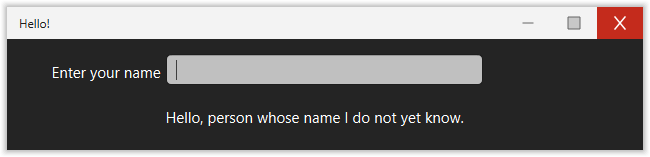
The simplest possible Guitares application: an edit box that greets the user by name. See A Very Simple Example for a full walkthrough.
Location: examples/hello/
cd examples/hello && python hello.py
Simple Calculator
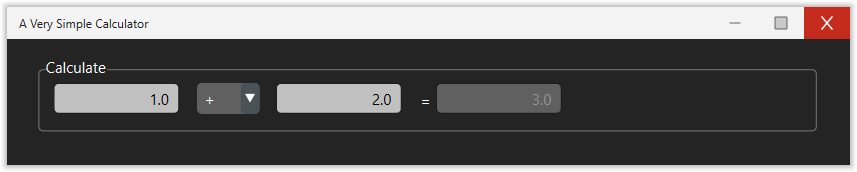
Demonstrates pop-up menus, edit boxes, and a simple callback that reads multiple variables and writes a result.
Location: examples/calculator/
The calculator window contains two numeric input fields, a dropdown for the operator (+, −, ×, ÷), and a disabled edit box that shows the result.
window:
  title: A Very Simple Calculator
  width: 530
  height: 80
  module: operations
  variable_group: calculator
element:
  - style: panel
    title: Calculate
    position:
      x: 20
      y: 20
      width: -20
      height: 40
    element:
    - style: edit
      position:
        x: 10
        y: 10
        width: 80
        height: 20
      variable: a
      method: calculate
      tooltip: Enter variable A
    - style: popupmenu
      position:
        x: 100
        y: 10
        width: 40
        height: 20
      variable: operator
      option_value:
        variable: operator_values
      option_string:
        variable: operator_strings
      method: calculate
      tooltip: Select the operator
    - style: edit
      position:
        x: 150
        y: 10
        width: 80
        height: 20
      variable: b
      method: calculate
    - style: edit
      position:
        x: 250
        y: 10
        width: 80
        height: 20
      text: "="
      variable: answer
      enable: False
      tooltip: This should be your answer. Is it correct?
Checkbox
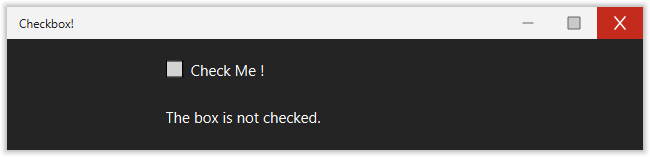
A minimal example showing checkbox usage and how a boolean variable controls a text label.
Location: examples/checkbox/
Listboxes
Demonstrates all four combinations of listbox configuration:
Single selection by item
Multi-selection by item
Single selection by index
Multi-selection by index
Location: examples/listboxes/

window:
  title: Listboxes!
  width: 800
  height: 100
  module: callbacks
  variable_group: listboxes
element:
- style: listbox
  position:
    x: 50
    y: 20
    width: 100
    height: 60
  text: Single Item
  text_position: above
  variable: a
  select: item
  method: select_a
  option_string:
    variable: text_a
  option_value:
    variable: value_a
- style: listbox
  position:
    x: 200
    y: 20
    width: 100
    height: 60
  text: Multi Item
  text_position: above
  variable: b
  select: item
  multiselection: true
  method: select_b
  option_string:
    variable: text_b
  option_value:
    variable: value_b
- style: listbox
  position:
    x: 350
    y: 20
    width: 100
    height: 60
  text: Single Index
  text_position: above
  variable: c
  select: index
  method: select_c
  option_string:
    variable: text_c
- style: listbox
  position:
    x: 500
    y: 20
    width: 100
    height: 60
  multiselection: true
  text: Multi Index
  text_position: above
  variable: d
  select: index
  method: select_d
  option_string:
    variable: text_d
Pop-up menus
Demonstrates all dropdown configurations: item vs index selection, static vs dynamic option lists.
Location: examples/popupmenus/

Radio buttons
Demonstrates the radio button group widget.
Location: examples/radiobutton/
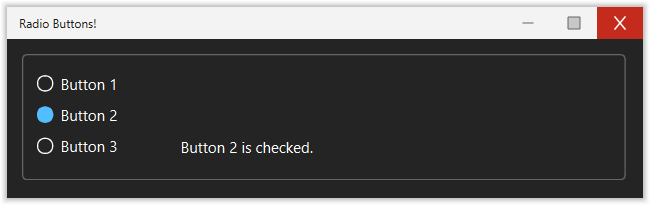
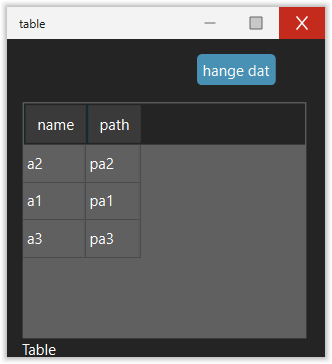
Table view
Demonstrates the tableview widget with a pandas.DataFrame.
Shows how to populate the table from a variable and react to row selection.
Location: examples/table/
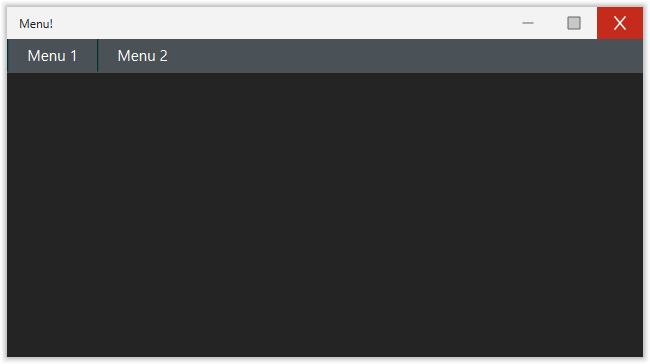
Menu
Demonstrates how to add a drop-down menu bar with nested menus.
Location: examples/menu_example/
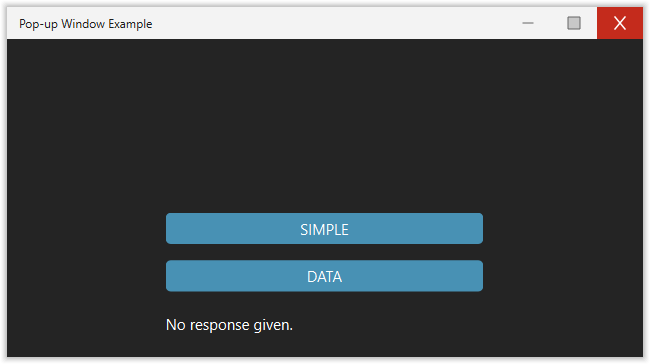
Popup window
Demonstrates both styles of modal popup dialog:
A simple popup with an OK/Cancel button pair
A data-driven popup that reads initial values and returns updated ones
Location: examples/popup_window/
Frame collapse
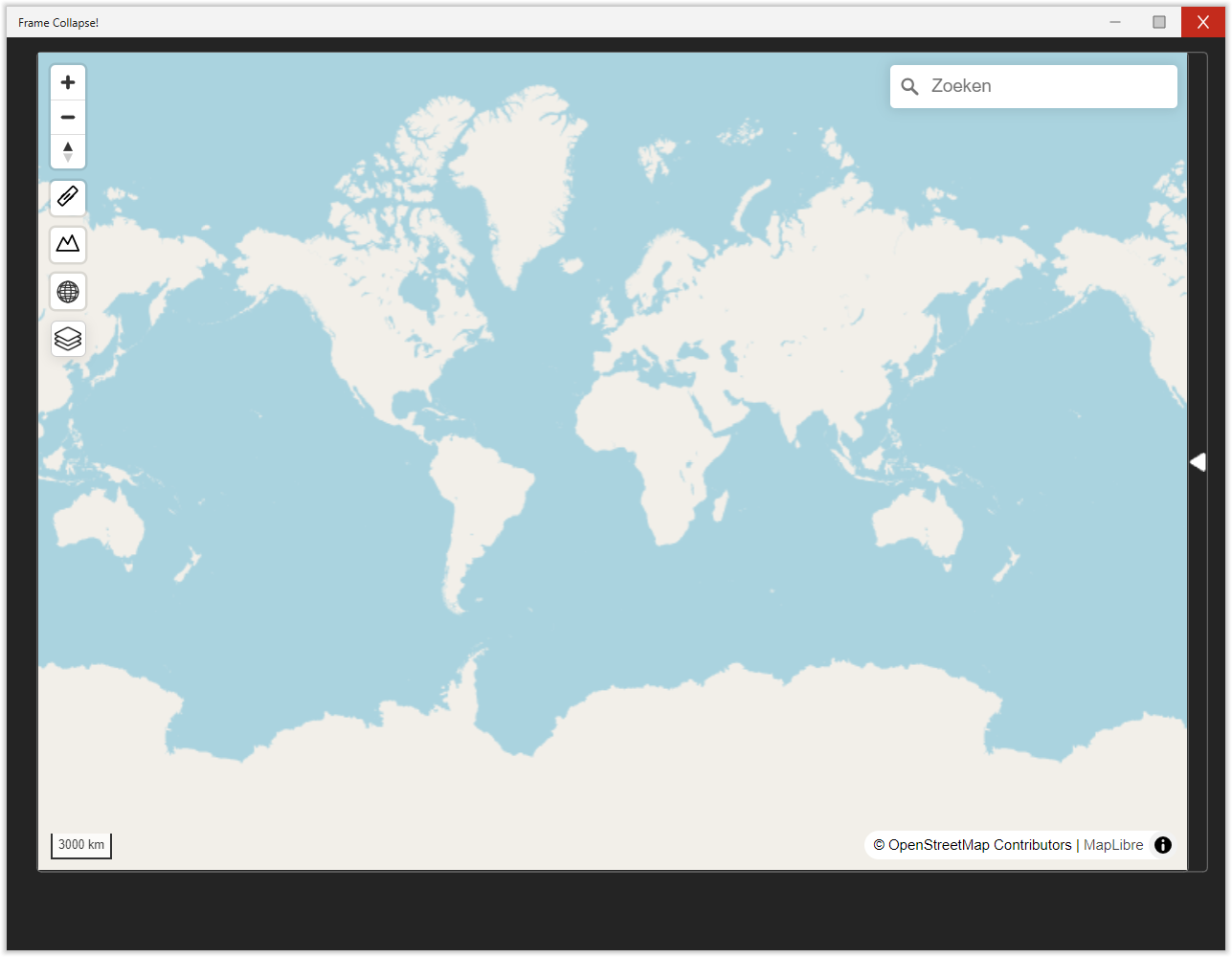
Demonstrates a collapsible split frame — two panels side by side where one panel can be collapsed to give more space to the other. The example shows a map on the left and a web view on the right.
Location: examples/frame_collapse/
News Website Comparison
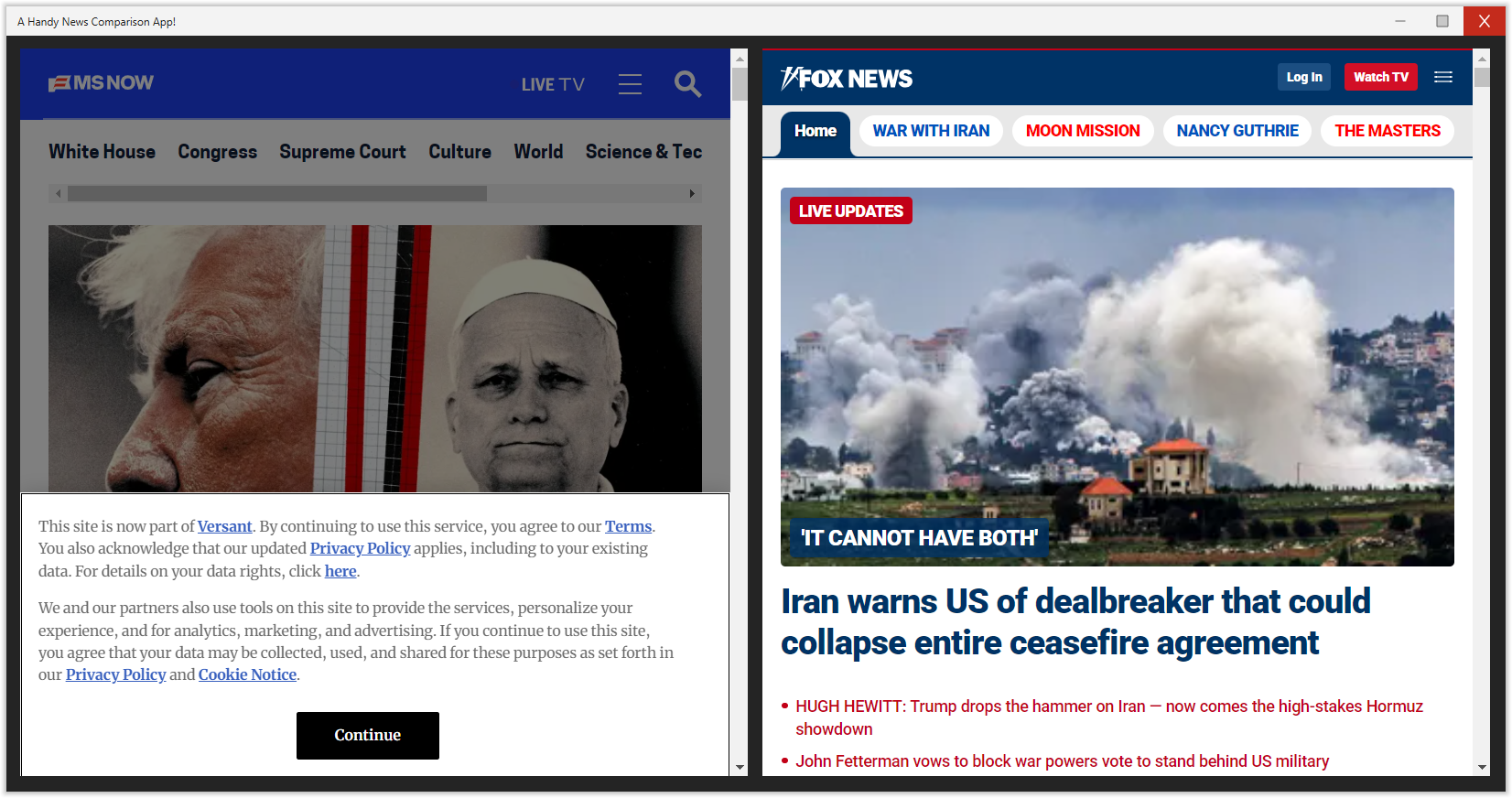
Two web view elements side by side, each loading a different news website. A minimal example with no callbacks or variables — just YAML config.
Location: examples/webpage/
window:
  title: A Handy News Comparison App!
  width: 1030
  height: 520
element:
  - style: webpage
    url: https://www.msnbc.com/
    position:
      x: 10
      y: 10
      width: 500
      height: 500
  - style: webpage
    url: https://www.foxnews.com/
    position:
      x: 520
      y: 10
      width: 500
      height: 500
MapLibre map
Demonstrates the MapLibre GL map widget with a list box to change the basemap style.
Location: examples/maplibre/

cd examples/maplibre && python maplibre_example.py
Visual Delta
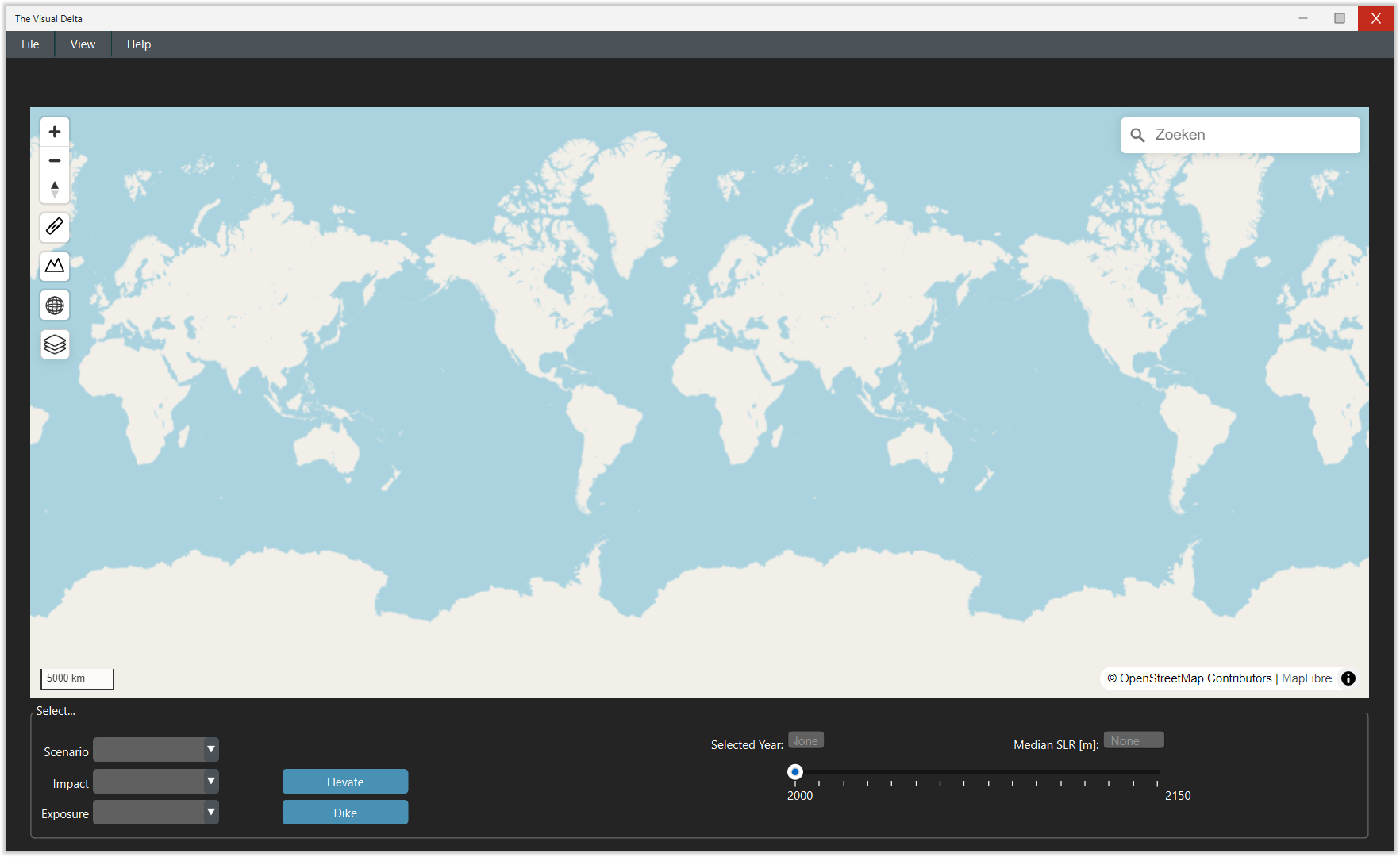
A more complex example demonstrating a map widget with menus, dropdowns, sliders, and buttons for exploring climate impact scenarios.
Location: examples/visualdelta/